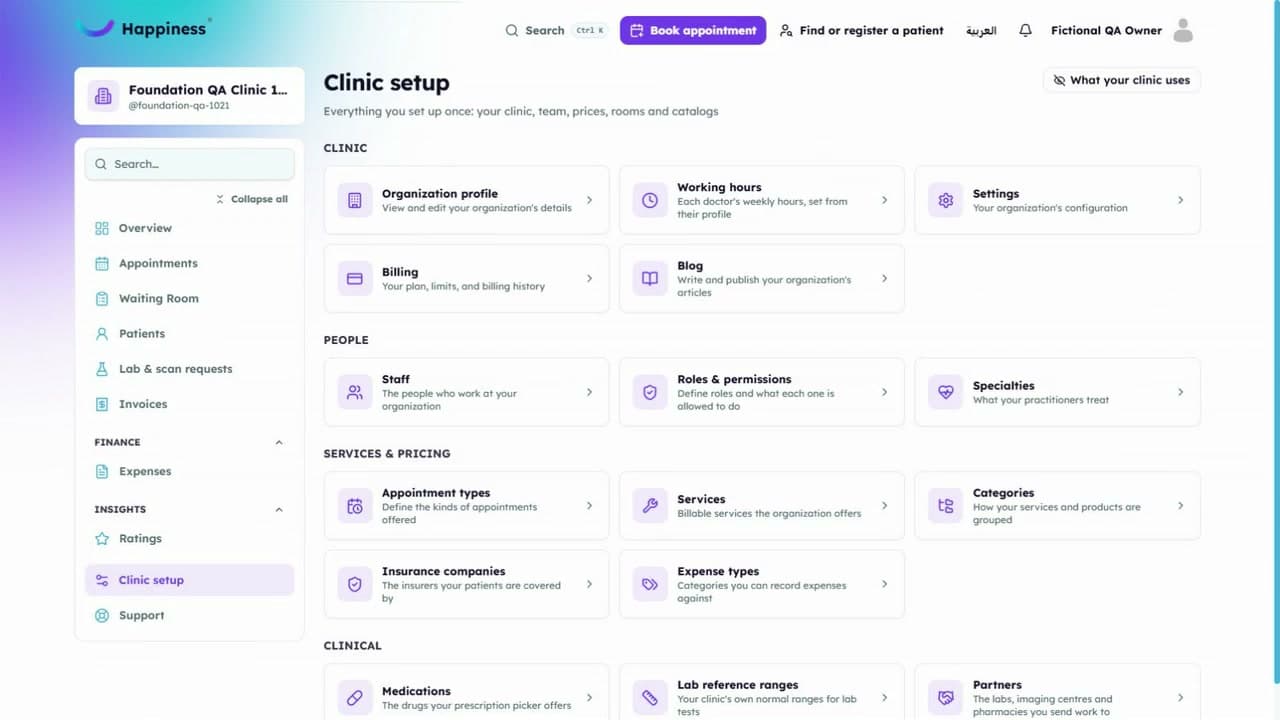
Creating an invoice ·
Prepare an invoice with clear service details
See how to select a patient, add a service and review the invoice before saving.
This video has English captions and no sound. Use fullscreen to see small details.
In this walkthrough
- Open invoices
- Create an invoice
- Add the supported details
- Check the total and save
Review the balance separately from the saved status.
Read the transcript
- Creating an invoice.
- Open Invoices and choose Create invoice.
- Choose Patient.
- Select Demo Patient Lina.
- Choose Issued.
- Choose Demo service.
- Quantity is two, at one hundred fifty Egyptian pounds each.
- Subtotal three hundred.
- Tax forty two.
- Total three hundred forty two.
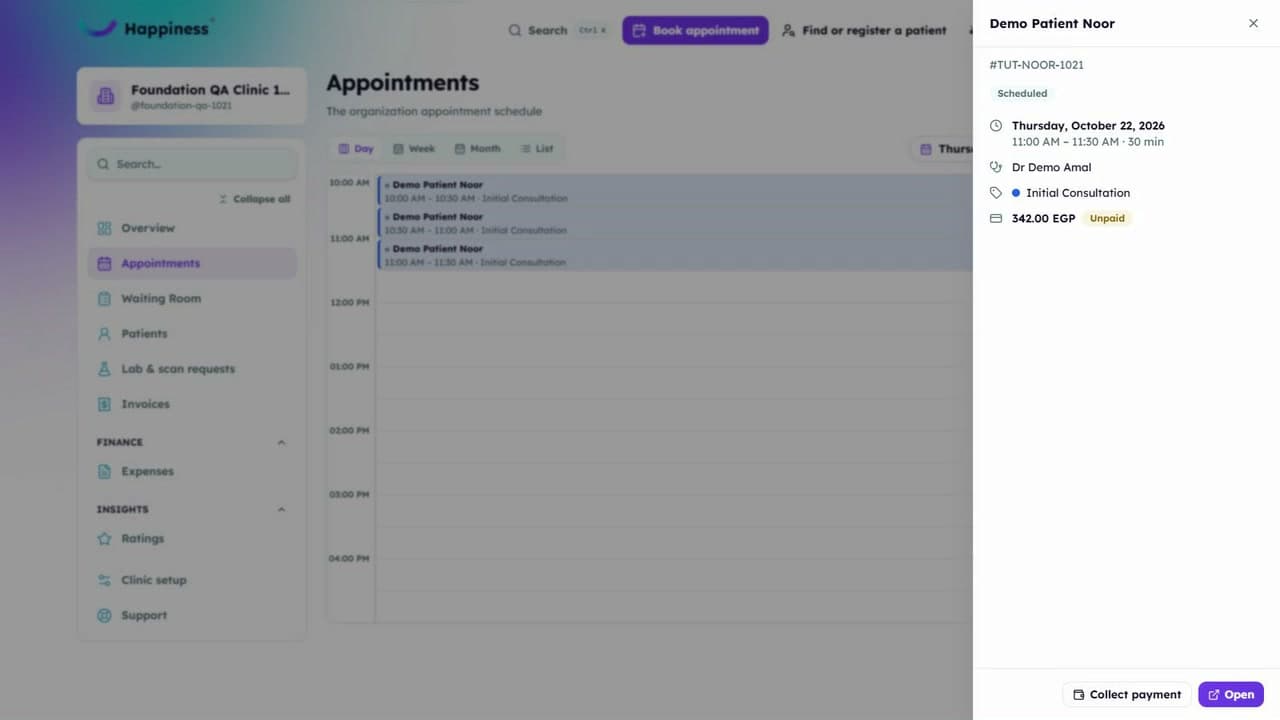
- Save once. Open the new invoice.
- Refresh. Check the balance and Issued status.
- Issued and unpaid.
Related tutorials
Still need a hand?
Tell us what you're trying to do and our team will help you find the next step.