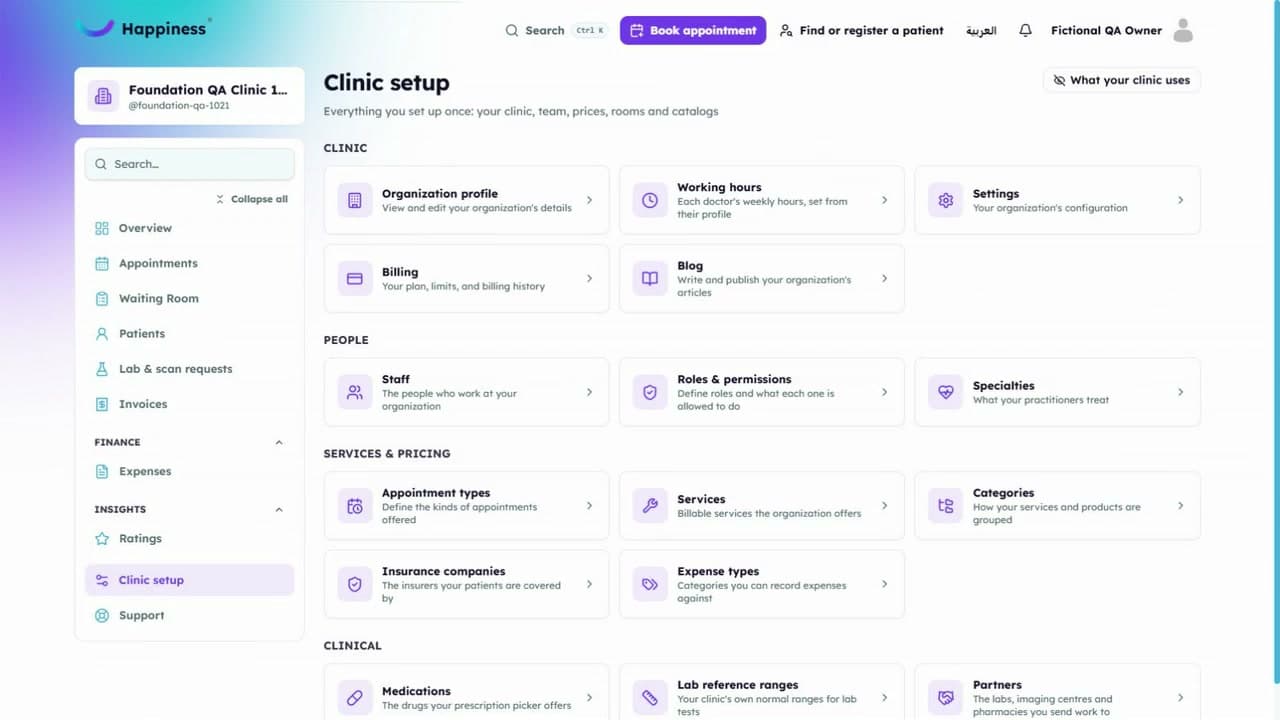
Managing appointments ·
Add a booking and find it in the schedule
Follow a sample appointment from entering its details to reviewing the saved booking.
This video has English captions and no sound. Use fullscreen to see small details.
In this walkthrough
- Open appointments
- Choose the patient and available appointment details
- Review the information
- Save and check the schedule
Read the transcript
- Managing appointments.
- Click Book appointment.
- Search by name instead.
- Select Demo Patient Noor.
- Choose Initial consultation.
- Three hundred before tax; thirty minutes.
- Next. Choose Tomorrow.
- Choose the offered eleven AM slot.
- Payment.
- Choose Pay later.
- Confirm: three hundred forty two, unpaid.
- Book appointment once.
- Wait for Appointment booked.
- Refresh and reopen the saved appointment.
- Scheduled and unpaid.
Related tutorials
Still need a hand?
Tell us what you're trying to do and our team will help you find the next step.