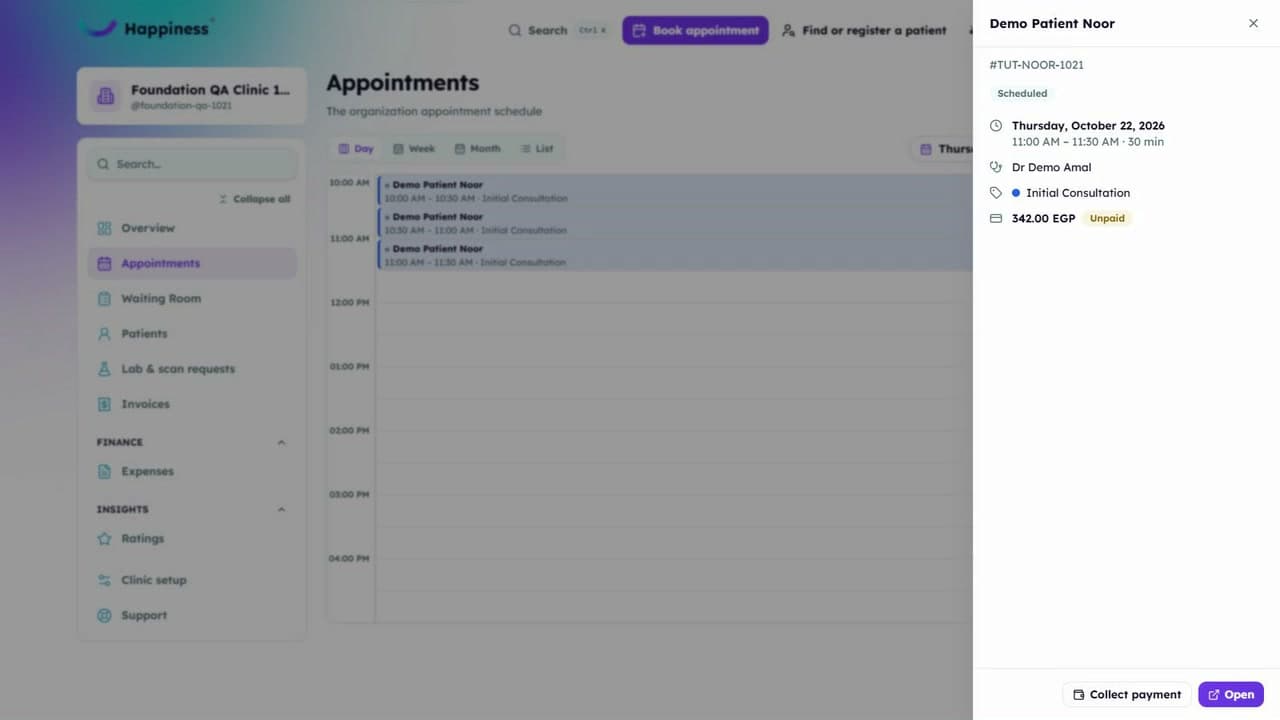
Getting started ·
Find your way around your workspace
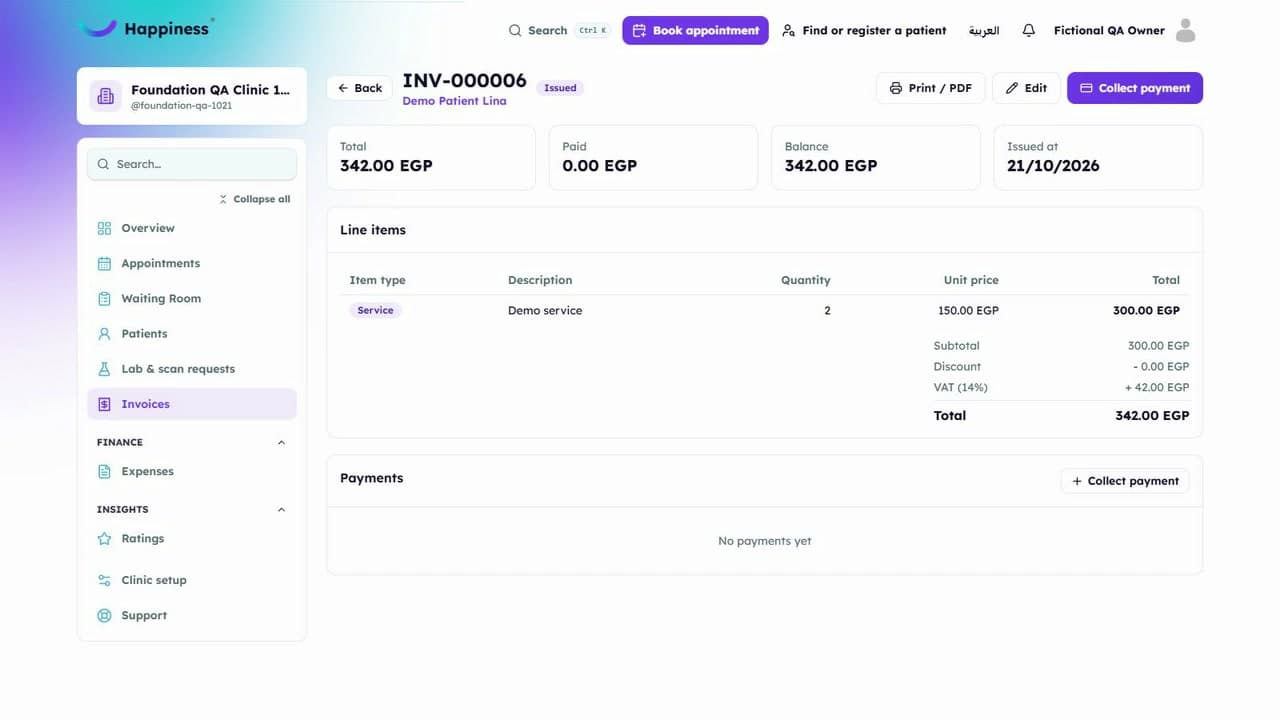
Learn where to find appointments, patient profiles and invoices, and how to return to the daily overview.
This video has English captions and no sound. Use fullscreen to see small details.
In this walkthrough
- Open the workspace
- Explore the main menu
- Review the overview
- Find the tools used in a typical clinic day
Read the transcript
- Getting started.
- Start in Overview, with the correct demo clinic already selected.
- Open Clinic setup to find clinic details, people, and appointment pricing.
- Choose Appointment types.
- Thirty minutes, with a three hundred Egyptian pound base price.
- Reopen the page to check that the saved price and duration remain.
- Return to Clinic setup.
- Review any remaining essentials before you start booking.
- Appointments is the next step.
Related tutorials
Still need a hand?
Tell us what you're trying to do and our team will help you find the next step.