Clinic operations2 min read
From appointment to invoice: keeping the details connected
A shared billing routine helps reception and administration understand what was provided, invoiced and recorded as paid.
The end of a consultation often starts another task: preparing the invoice. A clear routine helps the team connect the patient, service and amount without relying on a verbal handover alone.
Check the service first. Confirm which service was provided and which price should apply. Where your system has a service catalogue, keep its entries consistent and make sure staff know who can change them.
Review the invoice before saving. Check the patient, line items, quantity and currency. Apply discounts or taxes only through the clinic's approved setup and the controls supported by the software.
Keep invoicing and payment separate. An invoice records a charge; a recorded payment shows an amount received. If only part of the invoice is paid, the remaining balance still needs to be visible. The terms your team uses should make that difference clear.
Handle corrections deliberately. A wrong amount, duplicate payment or cancelled service may need a different action. Use the supported correction, cancellation or refund workflow rather than assuming every issue can be fixed by deleting an invoice.
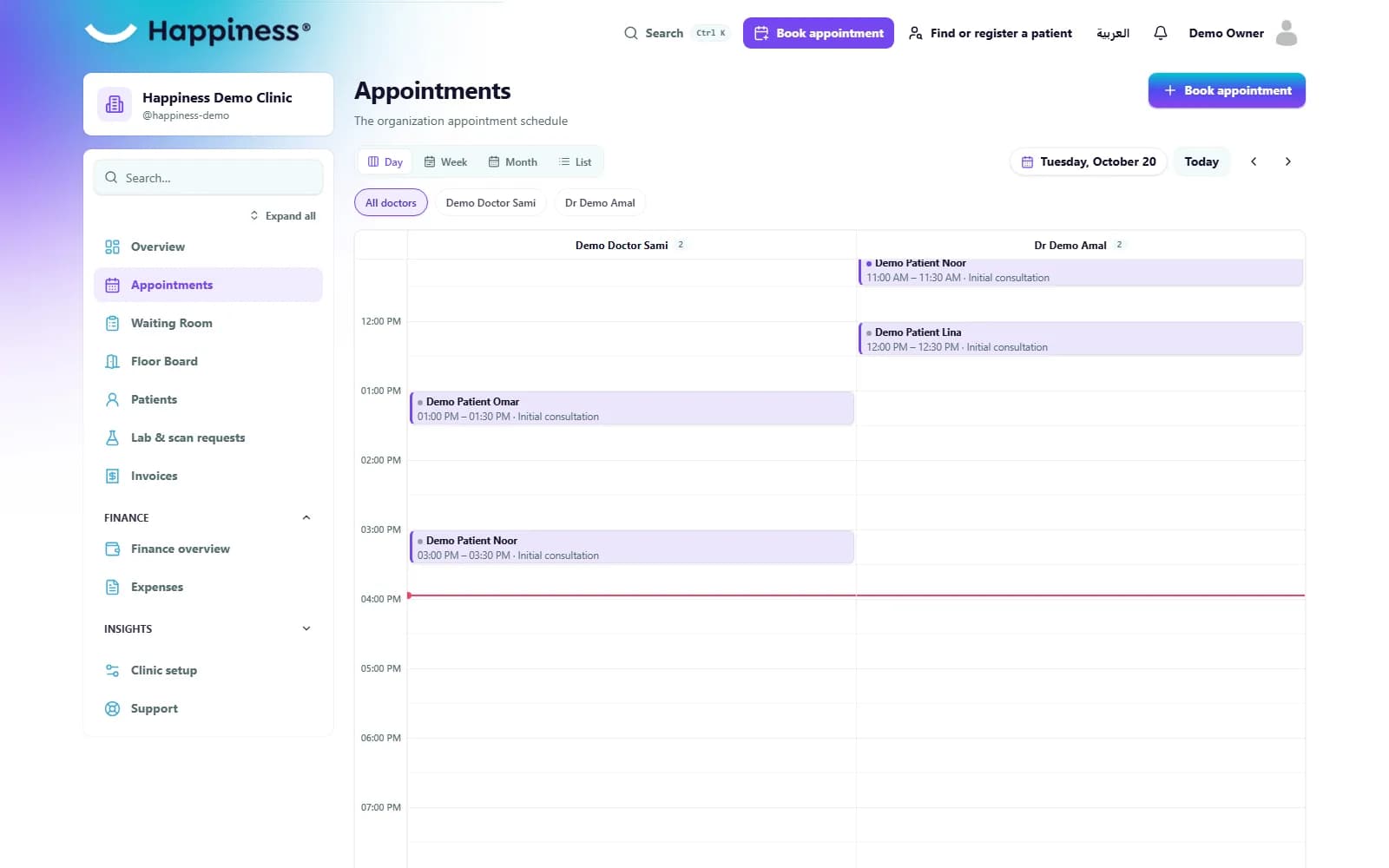
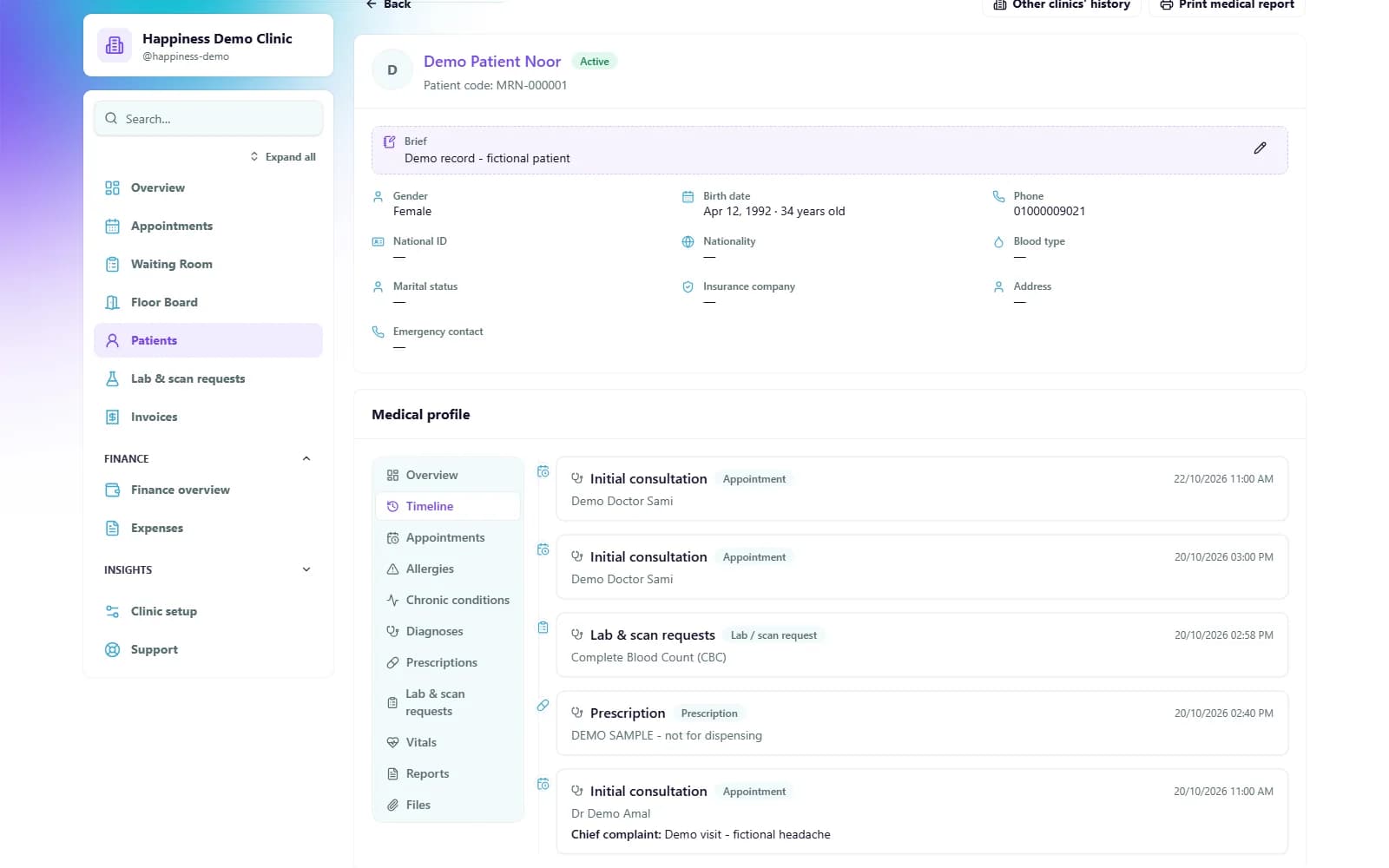
At the end of the day, review unresolved items against the records entered by the team. Happiness brings invoicing and patient information into the same workspace, helping staff follow the details behind each bill.
See it in Happiness
Watch the invoice tutorial